
What is ROM?
R = Radial
O = Order
M = Management
This is the backend system to view orders and the order status
Common Customer Requests:
- Where is my order
- Cancel my order
- Change my address
ROM Access
ROM Link: https://romui.radial.com/en/session/new
Username: CSMORPHE@MPHNA
PWD : Welcome123@
Action:
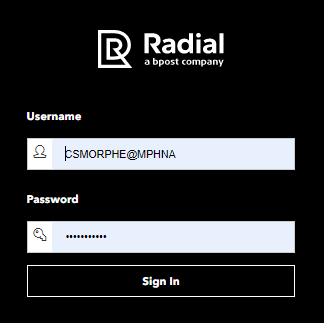
- Login:
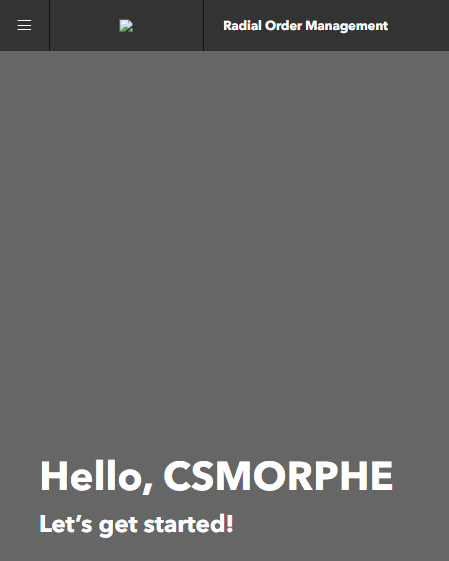
2. Home screen:
3. Locate Brand menu in upper-right corder, click to change to another brand
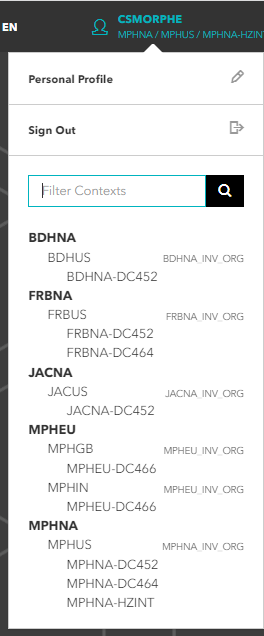
4. Only click on BOLD to switch brands
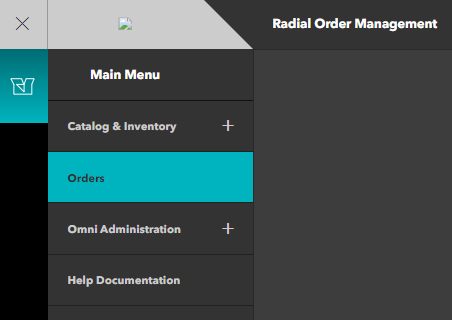
5. Once on desired brand, navigate to upper left corner and click on the 3 parallel lines > ORDERS
6. The correct prefix must be used for the proper Brand, or else the system will not be able to lookup an order
| Brand | Brand Code | Order Prefix |
| Morphe-US | MPHNA | 00352 |
Morphe-UK | MPHUK | 00419 |
Morphe-EU | MPHEU | 00422 |
| Jaclyn | JACNA | 00358 |
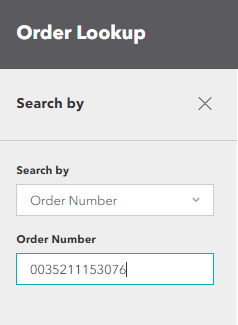
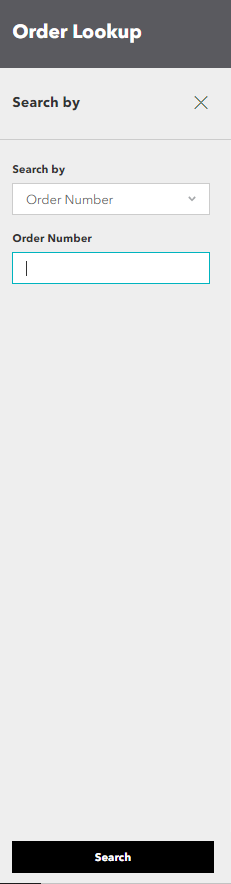
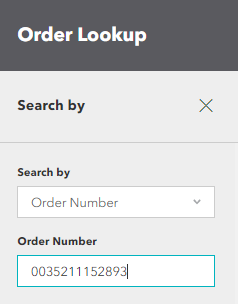
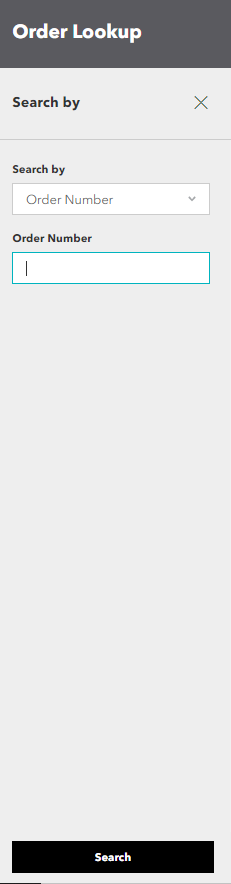
7. Add brand prefix + Order ID, then click SEARCH
8. Note order status, this order is on backordered


If status is backordered
Send email to Chris and Eric to request BO adjustments
TO: christopher.ho@formabrands.com + eric.larson@formabrands.com
CC: csops@morphe.com
Subject Line: Backorder Adjustments – DATE
Tips:
Be very clear to list Order IDs by brand to help team effectively adjust orders
To avoid multiple emails, only email twice per day
If order is in backorder in ROM and customer wants to cancel
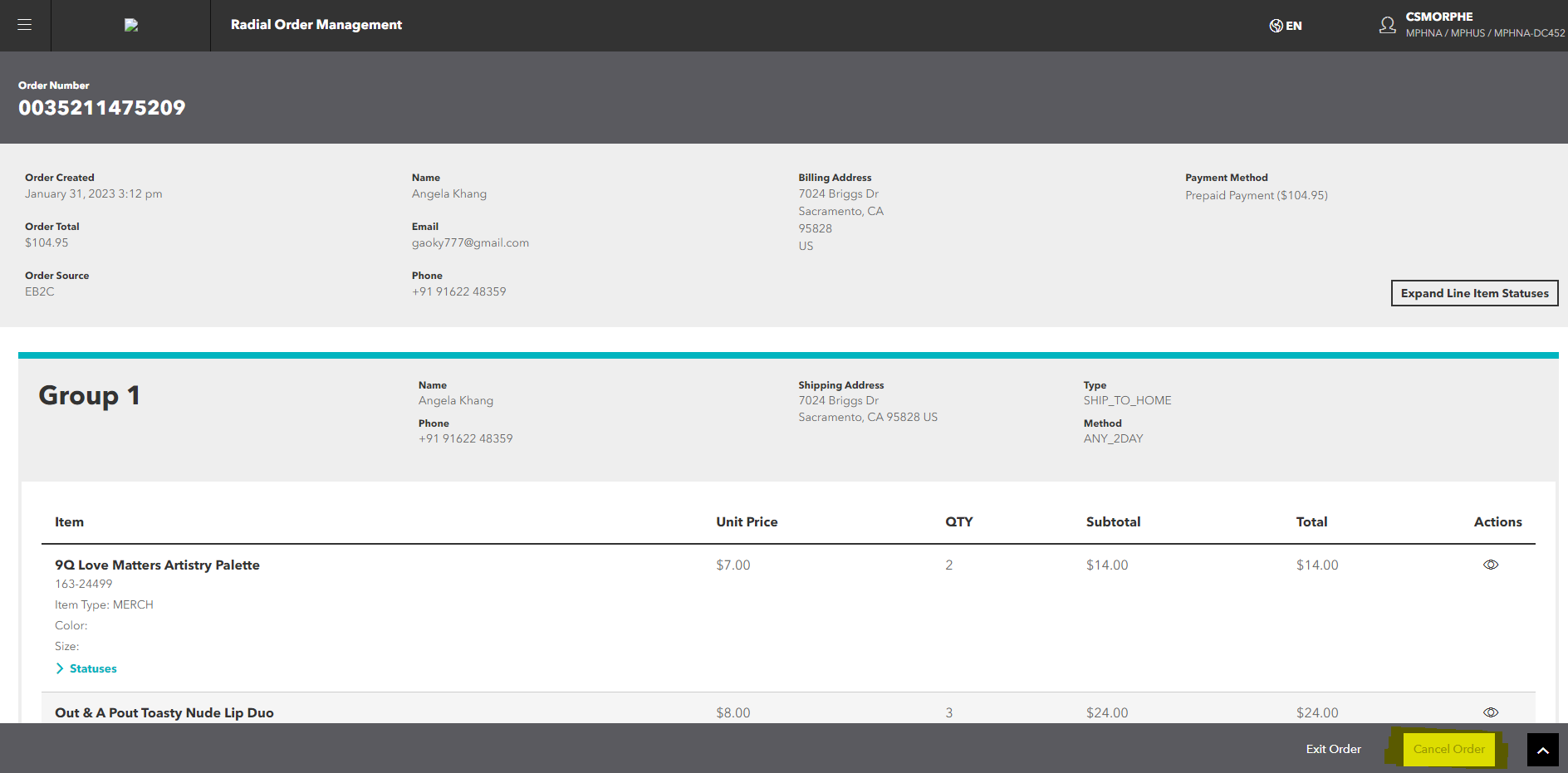
Order can be canceled as long as status is showing BACKORDER- Cancel option will be at the bottom right corner.
Example:
Special note – for backorder address modifications
If a customer has requested an address modification, but the order is on backorder, we much first ask Chris and Eric to clear the backorder – THEN the order drops to the warehouse to be fulfilled and there is a very short window to email Radial teams to modify address
If order is NOT backordered in ROM:
- Email radial teams:
Rialto: DL-OperationsRialto2@radial.com
Easton: formaresolutionESTN@radial.com
+ CSOPS
(Remove Yesenia + Stacy)
Track request on Order Stat